Category

Data

Category

Data loss is the most stressful situation for any individual, from students to professionals. Due to your hard drive issue, you may not be able to access your project files or critical client-related data. Although hard drives are reliable, they have a risk of corruption and accidental deletion. But, what will you do when your hard drives do not respond? This blog will provide a brief guide on how to prevent further data loss.

Reasons behind the data loss

Before starting recovery, you have to understand the potential causes of losing data in your hard drive. Accidental deletion, file system corruption, and formatting errors are common reasons behind the data loss. In some cases, software and malware issues also lead to the loss of hard drive data. With a proper technique, you can recover data in these situations.

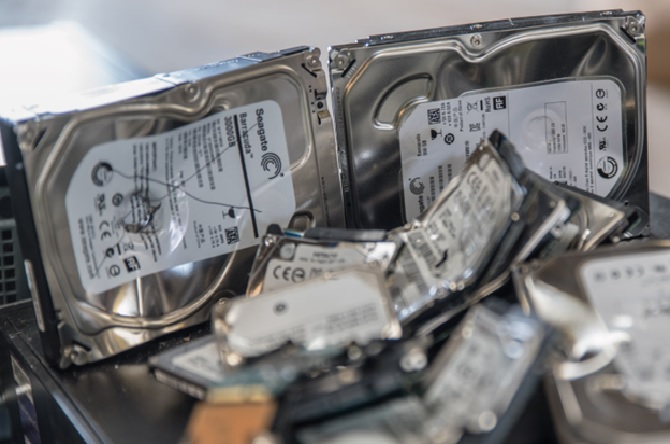
But, structural damage to the drive makes it difficult to retrieve data. PCB damage, overheating, motor failure, and water damage are other causes of hard drive damage.

What to do after losing data from your HDD?

You have to take a few steps to recover deleted files from hard drive. When your HDD does not respond, you will find error messages. For instance, you may find a message showing ‘disk not recognized or disk needs formatting. You can also hear beeping or clicking sounds in some cases. Do not continue using the affected disk. Every read/write operation will cause more risk to your data.

Besides, you must not use free software for data recovery. Unreliable tools may overwrite your existing files and stress the drive. They will misread the corrupted part, and you will not be able to recover your data. PandaOfficeDrecov data recovery software is the best solution for those who want to retrieve their hard drive data.

Depending on the cause of data loss, you have to find the solution. For instance, you need software for simple formatting issues and accidental deletion. When the system does not recognize the disk, it indicates mechanical failure.

Conclusion

You can now choose the best software to recover deleted files from your HDD. The top-rated application will allow you to retrieve data with a few clicks.

Losing important files from your computer or external drive can feel like a nightmare, but you don’t need to worry much if you have a reliable hard drive data recovery tool to work with.

Whether it’s a hardware failure, or you have deleted the files by mistake, you can use a recovery software to get the lost files back.

Some people tend to panic when faced with such situations and end up making things even worse. Instead of doing all that, take necessary steps to reverse the damage. In this guide, we have pointed out some dos and don’ts when dealing with data recovery. This should help you if you find yourself in a similar situation.

Dos

Here’s what you should do to deal with the situation better:

  • The first step is to not panic because that is only going to make the situation even more difficult. Act calmly, so you can think of a helpful solution.
  • Stop using the affected device because it may overwrite the deleted files.
  • If your lost data was on a SD card, eject it properly and keep it in a safe place before you get your hands on a SD card data recovery software.
  • Sometimes, it happens because of a loose or faulty cable, so try reconnecting the drive using a different USB port, cable, or computer.
  • If your storage device is readable but data is missing, use a reliable data recovery software as they can restore deleted or lost files safely.

Don’ts

You should avoid doing these things during data recovery:

  • Never restore your files on the same disk because it can overwrite the data you are trying to recover.
  • Don’t trying to fix things on your own if you lack knowledge because it will make recovery even harder.
  • Formatting a drive may seem like a fix, but it can wipe out data completely and that’s why you should use a recovery software first.
  • Don’t use shady recovery tools because they can be a malware in disguise.

Data recovery doesn’t have to be difficult if you be careful with your steps. By following these dos and don’ts, you can greatly improve your chances of recovering your files.

Old hard drives may seem like outdated relics, but they can still contain valuable private information. Identity thieves and hackers can easily access sensitive data, such as passwords and financial information, from discarded drives. Proper disposal of old hard drives is crucial, especially if you live in Garland or the Dallas area. This guide will take you through the steps to protect your data, including effective data-destruction techniques.

Why Is Proper Hard Drive Disposal Important?

Preventing Identity Theft

Simply deleting files or reformatting your hard drive doesn’t completely remove data. Some files can be recovered using specialized software, leaving you vulnerable to identity theft. Information such as social security numbers, addresses, and financial details can be easily accessed by malicious individuals.

Avoiding Data Breaches

For businesses, the stakes are even higher. A data breach can result in severe financial and legal consequences. Ensuring comprehensive hard drive destruction is essential to protect your business from these risks.

Addressing Environmental Concerns

E-waste is a growing problem, and improperly discarded hard drives contribute to this issue. Secure disposal methods can help reduce the environmental impact of e-waste.

Effective Hard Drive Disposal Techniques

There are several options from Destroy Data for securely disposing of hard drives, each with its own unique advantages.

  1. Hard Drive Shredding

Hard drive shredding involves using industrial shredders to break down hard drives into small fragments, making data irrecoverable. This is one of the safest disposal methods. eCycle Florida uses this method to ensure that your asset disposal is safe and secure.

  1. Degaussing

Degaussing uses powerful magnets to disrupt a hard drive’s magnetic field, making data irretrievable. However, it does not physically destroy the hard drive, leaving the possibility of online theft.

  1. Software-Based Wiping

Software can overwrite data on hard drives multiple times, reducing the chances of recovery. This method is cheaper but requires a functioning hard drive and can be time-consuming.

  1. Physical Destruction

Physically damaging the hard drive’s platters, drilling holes, or hitting the drive can hinder data recovery. However, this DIY method is less reliable and not recommended for ensuring complete data destruction.

The Benefits of Professional Hard Drive Disposal Services

Professional hard drive disposal offers the highest levels of security, environmental compliance, and ease of use. Here’s what you get:

Secure and Reliable Destruction

Reputable companies use the latest industry standards to completely destroy hard drives, ensuring your data is irrecoverable.

Environmental Responsibility

Professional services ensure e-waste is recycled responsibly and in accordance with regulations, reducing environmental impact.

Certificate of Destruction

You’ll receive documentation to ensure compliance with legal requirements and protect you from liability.

Safely Disposing of Old Hard Drives

Proper disposal of hard drives is essential for protecting your digital data. Don’t leave your information exposed. Investing in a reliable hard drive disposal service provides peace of mind.

eCycle Florida is a leading choice for secure hard drive destruction. Our on-site and off-site shredding services offer the highest level of security. Get a free quote today! We can help you recycle old hard drives responsibly and protect sensitive information.

Secure your data and contribute to environmental protection by choosing professional hard drive disposal. Contact eCycle Florida today for a free quote and ensure your old hard drives are disposed of safely and responsibly.

By following this guide and utilizing professional services, you can ensure the secure disposal of your old hard drives, protecting both your personal information and the environment. Don’t take chances with your data security – choose the experts at eCycle Florida for reliable and eco-friendly hard drive disposal.

This post was written by Steven Elia Co-Founder and Recycling Director at eCycle Florida. eCycle Florida is a R2 Certified electronics recycling company in the state of Florida. Our processes and procedures are dedicated to the proper destruction and recycling of your electronics. eCycle Florida is your go-to when looking for an electronic recycling center in Tampa.

For people who’ve lately deleted files within your Mac computer, or even your computer has lately crashed, you might be thinking about methods will recover data Mac computers contain. You can take numerous strategies to retrieving the files you’ve lost. The next sentences provides you with information associated with recovering Mac data.

Probably the most effective to retrieve lost data round the Mac is by using a trash can. A trash can stores specifics of all the files you delete to assist steer obvious from the deletion of understanding. Should you delete data within the standard fashion, the file is distributed for that trash can on your pc.

To be able to restore the files you’ve deleted, visit your trash can and make use of the restore feature. After you have completed this method, the file you deleted are available in its original location.

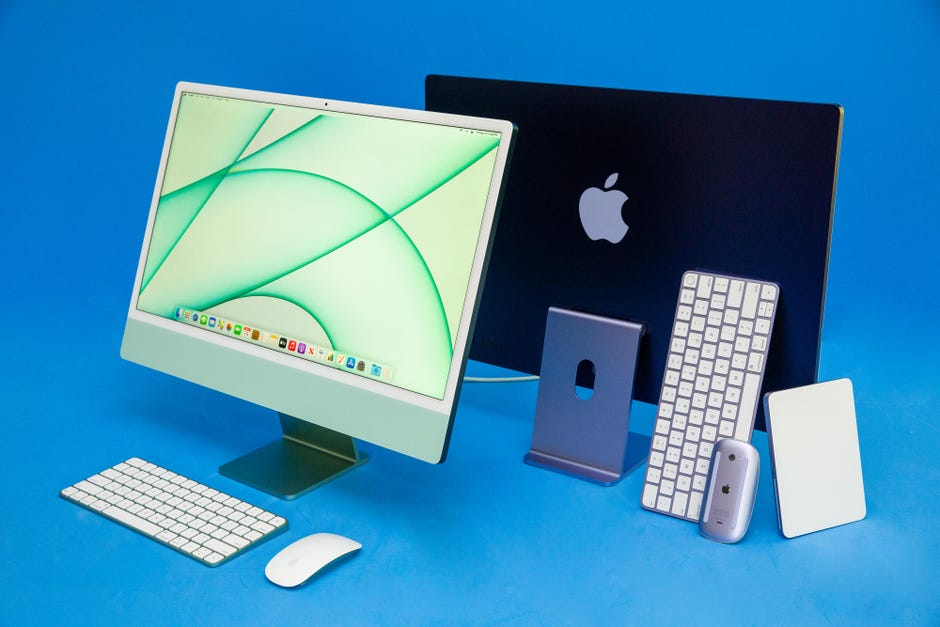
There's a new way to factory reset the latest M1 Macs. Here's what you need  to know - CNET

Every so often you’ve already deleted the remains in the file inside the trash can though, you will need to take more difficult routes to retrieve important computer data. Right now, you may want to you will need a specialist computer consultant that will assist you retrieve your files.

Professional computer consultants hold the tools and software you have to rapidly retrieve important computer data. As extended since the details continue to be inside your hard drive, and offers not been substituted with new files, they could restore the data you’ve lost.

Professional computer services can be very pricey though. To bypass the help provided by these skilled professionals, you can buy recovery software. It’s very simple to obtain recovery software this means you will be fairly simple to use too.

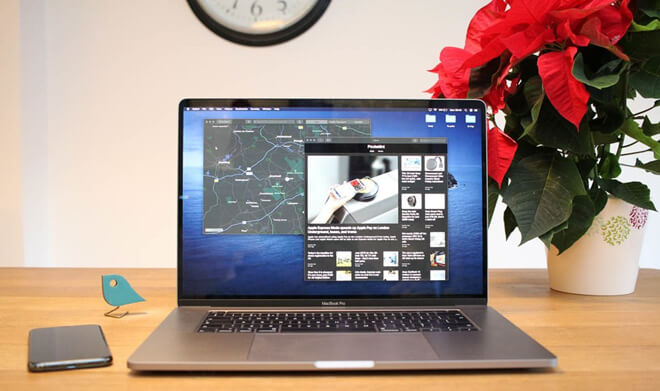
How to Recover Lost Data after Erasing MacBook Pro?

There are many products available on the market right now that may effectively allow you to restore lost files. Before selecting one of those products, you may also examine reviews within the product to make sure you are investing in a easy to operate and efficient program. After you have found a top quality program to make use of, simply install and run this program to extract your lost files.

The procedure required to recuperate data Mac computers contain could only behave as extended because the directory the details have arrived at is not written over by new files. For this reason, for people who’ve lately lost important files, you need to waste not much time acquiring a technique will recover them. By rapidly trying to recover your files, you can enhance the chances that they’re going to be retrievable.